
Video tutorials
Short walkthroughs of CDXGeoStream: the basics, installing it in your app, and the bulk tools in Excel. Each takes a minute or two.
General
 1:00
CDXGeoStream Overview: Turn a Spreadsheet of Addresses Into a Map
A one-minute tour: verify, geocode and route the addresses in the spreadsheet you already use, with no exporting and no GIS software.
 1:00
Getting Started with CDXGeoStream: From Your API Key to Results in 4 Steps
Four steps from your API key to live results: pick a plan, add CDXGeoStream to your app, paste your key, and run the tools in your cells.
 1:29
CDXGeoStream Cell Formulas in 90 Seconds
A 90-second tour of the 16 cell formulas: ZIP code, distance, demographic and address answers right in the cell, in Excel and Google Sheets.
 1:31
The CDXGeoStream REST API in 90 Seconds
A 90-second tour of the REST API: one key header, JSON in and out, more than 20 endpoints, and a reference you can try in the browser.
 1:20
The CDXGeoStream API: Getting Started in 4 Simple Steps
New to APIs? Four plain-English steps from a free account to your first answer, with no coding experience needed.
Installation
 1:00
How to Install CDXGeoStream in Excel in 4 Steps
Add CDXGeoStream to Excel from the Home tab, paste your API key, and run your first formula. It takes about a minute.
 0:54
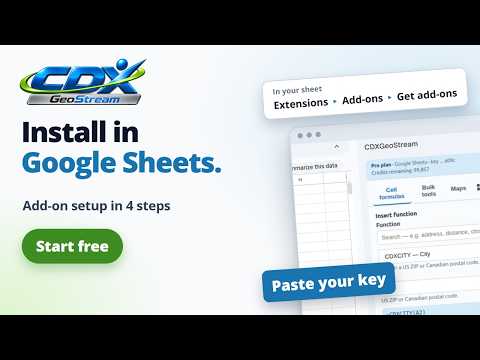
How to Install CDXGeoStream in Google Sheets and Connect Your API Key
Install the add-on from the Google Workspace Marketplace, authorize it, paste your API key, and run your first formula.
 1:24
How to Install CDXGeoStream in LibreOffice Calc and Set Your API Key
Install the CDXGeoStream extension in LibreOffice Calc, set your API key, and run your first formula. One file for Windows, macOS and Linux.
 0:56
How to Connect CDXGeoStream to Claude
Connect CDXGeoStream to Claude in four steps, then ask for ZIP lookups, geocoding and routes in plain language. There is nothing to install.
Bulk Tools
 1:31
11 Bulk Tools in Excel: Distance, Routes, ZIP Codes and Geocoding
A 90-second tour of the eleven bulk tools in the Excel add-in. Select your data, capture it and run; the results go to a new sheet.
 1:02
How to Build a Distance Matrix in Excel in 4 Steps
Every distance between two lists of addresses or ZIP codes, written to a new worksheet as a grid. No formulas.
 1:01
Straight-Line vs Driving Distance in Excel: Which to Use
The same trip measured both ways, straight-line and by road, and when to use each in the Excel distance matrix.
 1:03
Route Optimization in Excel in 4 Steps
Turn a column of stops into a short visiting order, written to a new sheet with the distance for every leg.
 1:03
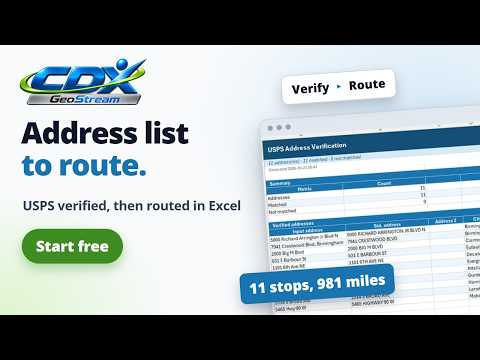
From Address List to Planned Route in Excel
Verify an address list with USPS, then plan a driving route through the same addresses, with a map, all inside Excel.
 1:19
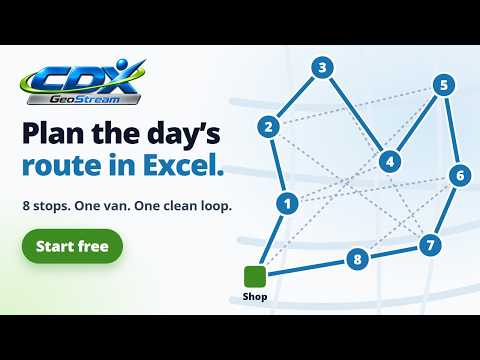
Plan Your Service or Delivery Route in Excel
A plumbing company with eight service calls and one van: fix the addresses, put the stops in order, and hand the driver a map or a GPS file.
 1:02
Find the Closest Location to Each Customer in Excel
Match every customer ZIP code to your nearest store, branch or depot in Excel, with the distance and the second and third closest.
 1:02
Clean a Mailing List in Excel: USPS Verify, Dedupe and Map
Verify a mailing list against USPS data, remove the duplicates, flag what is undeliverable and map the addresses, all inside Excel.
 1:00
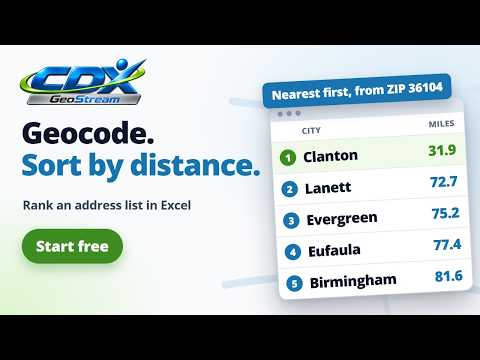
Geocode Addresses in Excel and Sort by Distance
Turn a column of addresses into latitude and longitude, then sort the whole list by distance from any point, nearest first.
 0:57
Census Demographics by ZIP Code in Excel
Census figures for every ZIP code in a territory, written to an Excel sheet with one row per ZIP code and one column per field.
 0:59
Find Every ZIP Code in a Radius or County in Excel
Build a list of every ZIP code in a territory in Excel, drawn by distance from a center or by state, county and city.